
Root Smartphones: More Control, More Freedom, More Privacy
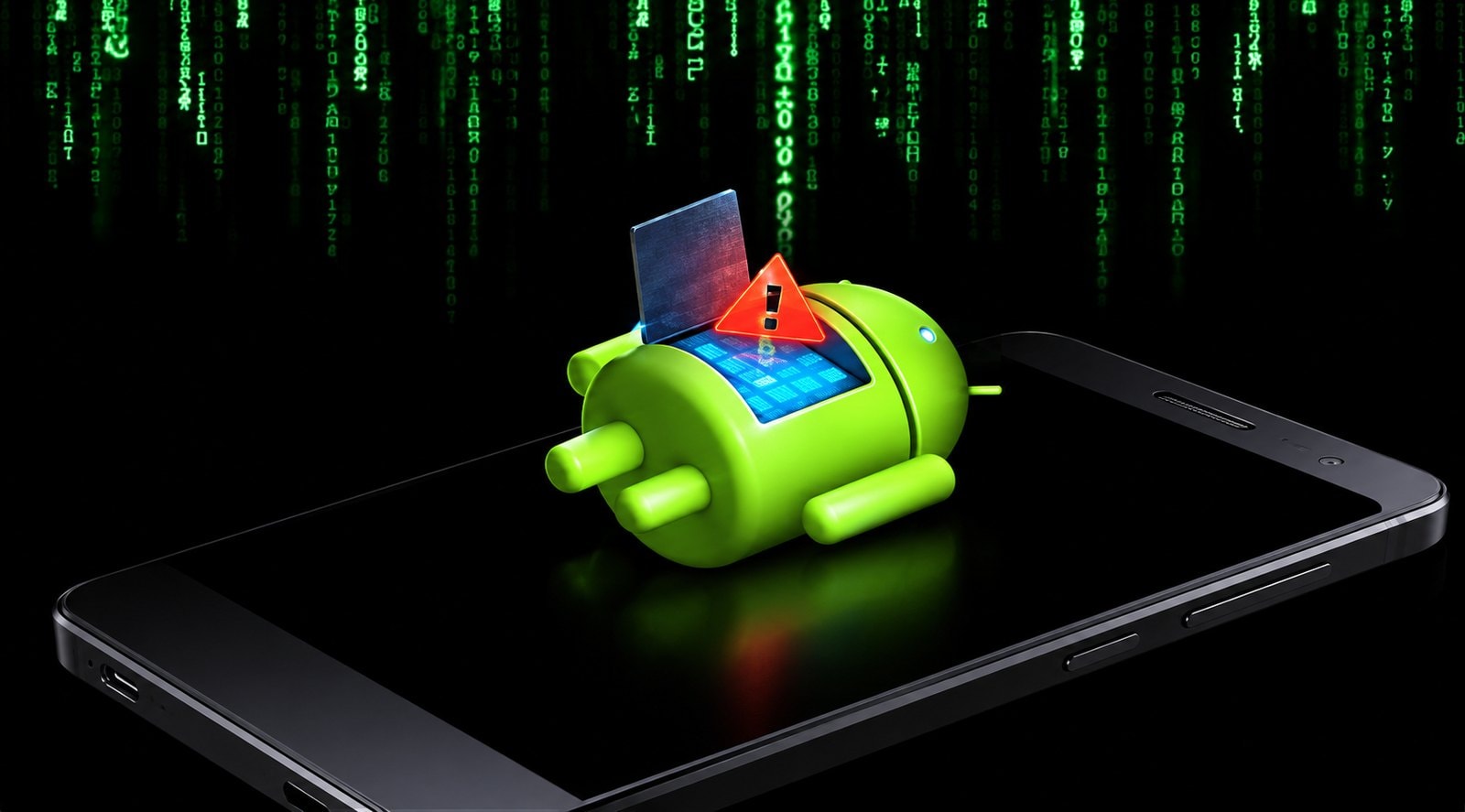
What a rooted Android smartphone can really do, why root matters for privacy, security research and development – and which risks you need to know.
A modern smartphone is far more than a phone: camera, navigation device, communication hub, password vault, banking terminal and workstation in one – a highly complex computer permanently connected to the internet. Normally, the manufacturer decides which parts of the hardware and software you are allowed to change yourself.
A rooted smartphone fundamentally changes that relationship. This report explains what root technically means, which control, privacy and development advantages it brings – and why root can mean more responsibility and more security.
What Is Root on Android?
Android is built on Linux. Linux systems have one particularly privileged user: root. On a regular Android smartphone, users are deliberately shielded from these rights – apps run in separated sandboxes and may only access the resources they have been granted permission for.
Root lifts that boundary. A rooted smartphone lets you, among other things, modify system files, remove pre-installed components, implement deep network and firewall rules, adjust system services, create advanced backups, set up automation, and install alternative system components or operating systems.
Root Isn't Hacking
The term "rooting" is often equated with hacking. Technically that's too simplistic: root first and foremost describes a state, or rather a permission level. A rooted smartphone is not automatically anonymous, secure, insecure, illegal, or free of Google and trackers – root simply gives its owner additional options. What is made of that depends on the configuration.
Root is therefore a tool – not a security guarantee.
Why People Root
The reasons vary widely, from pure personalization to Android development, privacy, networking or security research. The most common include:
- Removing bloatware. Pre-installed apps that can't normally be uninstalled can be removed or disabled far more thoroughly with root.
- Advanced backups. Root extends access to data and system areas for especially comprehensive backup strategies.
- Network and firewall control. With the right tools, a rooted device can be controlled far more granularly.
- Privacy. Individual apps' network communication can be restricted, and unnecessary system components removed or disabled.
- Development and security research. Developers gain access to areas normal apps can't reach – a controlled root device also makes an excellent test platform for Android security, network analysis and forensic investigation.
- Custom ROMs and experimentation. Alternative operating systems, kernels and system modifications can be tested and used.
Control, Not Defaults
A regular smartphone works on a simple principle: manufacturer → operating system → predefined options → user. Root shifts that relationship – the user decides far more of how hardware, operating system and system permissions are configured.
That doesn't mean every manufacturer restriction disappears: bootloader, secure boot, encryption and verified boot can still be relevant, and on some devices, changes can even permanently affect certain hardware functions.
Root and Privacy
A smartphone collects and processes enormous amounts of information – depending on OS, apps and configuration, this can include location, Wi-Fi and Bluetooth data, device information, advertising IDs, app activity, network connections, contacts, calendar entries, photos and communication data.
On a regular device, many permissions can be controlled, but not every system component can be fully influenced. Root opens up additional control options here – down to the system level.
Network & Firewall Control
One of the most interesting root applications is controlling network traffic. Instead of only managing individual app permissions, rules can be implemented at a deeper level – for example apps with no internet access at all, whitelisting specific connections, blocking tracking endpoints, DNS-based filtering, or custom VPN setups.
This creates an important principle: an app doesn't need to be fully trustworthy just because it's installed – its network communication can be controlled separately.
The same control can be extended to your entire home network: a preconfigured Privacy Router filters DNS requests and traffic for every device on the network – including those that can't be rooted.
Data Minimization
Privacy isn't only about encryption. Just as important is data minimization: the best piece of information that can never be leaked is one that never exists or never leaves the device in the first place. A root smartphone can help implement this principle technically – for example by consistently reducing unnecessary apps, background services, permissions and connections.
Root can also be part of a de-Googling strategy: alternative app stores, reduced Google components, DNS filters, VPN and a minimal app selection. Important: root alone removes no data collection – anyone who keeps using every Google, Meta and ad/tracking service unchanged doesn't automatically end up with a privacy-friendly device.
Custom ROMs: A Second Life
A custom ROM is an alternative Android operating system. It lets you keep using older devices longer, reduce unnecessary manufacturer customizations, gain extra features and change system configurations. A device can be rooted without running a custom ROM – conversely, a custom ROM can in some cases run without permanently enabled root.
Apps that aren't available through an app store or consist of several APK files can be installed conveniently with the Universal Installer – especially handy on devices without Google services.
Root for Research and IT
For security researchers, developers and IT professionals, a controlled root device is a mobile research and test platform. Typical use cases include analyzing Android apps, network and protocol testing, debugging privileged processes, log and system analysis, malware investigation in an isolated lab environment, and VPN, DNS and Wi-Fi testing.
A root smartphone doesn't automatically make anyone a hacker – it simply provides a more capable platform. Security research should generally only take place on your own devices or with explicit authorization; root expands technical possibilities, not legal permission.
Root vs. Anonymity
Root can, however, help increase technical control over this environment, which in turn can enable privacy measures. The accurate statement is therefore: root can improve the prerequisites for a privacy-oriented smartphone, but it replaces neither anonymization, nor encryption, nor a secure configuration.
The network layer therefore requires additional tools such as a VPN or Tor – what they can do and where their limits lie is explained in the article Hide Your IP Address: VPN, Proxy and Tor Explained. With the PRO6SELLER Tunnel it works directly in your browser, without any installation at all. Whether your connection really masks your IP can be checked with the free IP Checker.
Why a Separate Root Phone
For especially sensitive experiments, a root device shouldn't necessarily be your personal main phone. A separate device can be used exclusively for security research, development, testing, network diagnostics, privacy experiments or alternative operating systems – a personal smartphone for everyday life, a root smartphone for control and experimentation. This separation reduces the risk that a failed experiment affects your personal communication device.
Root Risks and Limits
The additional rights let users reach deeper into the system. Root should therefore never be granted lightly to unknown applications.
Root can also affect security mechanisms such as verified boot, app sandboxing or device attestation. Rooting itself is generally not an illegal act, but it can affect warranty terms. And finally, faulty modifications carry the risk of a "brick" – a device that no longer starts normally afterwards.
Root vs. Regular Phone
Compared to an unmodified device, a root smartphone offers significantly expanded possibilities – along with greater personal responsibility:
- System access. Instead of limited user rights, extensive, direct system-level access.
- Bloatware & firewall. Instead of partial removal/limited rules, complete removal and very flexible, system-wide firewall rules.
- Backups & custom ROM. Instead of limited backups and device-dependent support, comprehensive backups and generally very good custom ROM compatibility.
- Research & development. Instead of limited options, a very well suited platform for security research and development.
Who Is Root Worth It For?
A root device is especially interesting for IT and cybersecurity enthusiasts, developers, privacy-conscious users, power users, mobile administrators, security researchers, students and Android enthusiasts – in short, for anyone who sees their smartphone as a technical tool rather than a pure consumer device.
This is also what protects you from digital dependence: if you understand how your device works, you stay in control instead of blindly relying on factory defaults or automatic answers – more on this in the article Does AI Make Us Dumb? Learning, Thinking and Digital Dependence.
Conclusion: Root Is Control
A root smartphone isn't automatically more secure than a regular one. But it is significantly more controllable – and that control can be decisive for privacy, IT security, development and research. Root is no magic privacy switch, but a tool: used well, it gives you control over your own device. Used deliberately, it can disable security mechanisms or modify the device sensibly for your own purposes.
The biggest practical challenge with rooting is usually not activation itself, but everything that follows: the right firmware, root method, security configuration and app selection. That's exactly where an already prepared root smartphone from the PRO6SELLER shop comes in – root access, removal/disabling of Google, removal of pre-installed apps and individual permission configuration are already set up. You'll find further privacy hardware, such as individual hardware modifications, as well as the full overview in the Root Smartphones category.
To protect location and image data, there are also the GPS Simulator and Meta Editor apps. And if you have special requirements for your device, hardware or network, you can request an individual project via Mission.